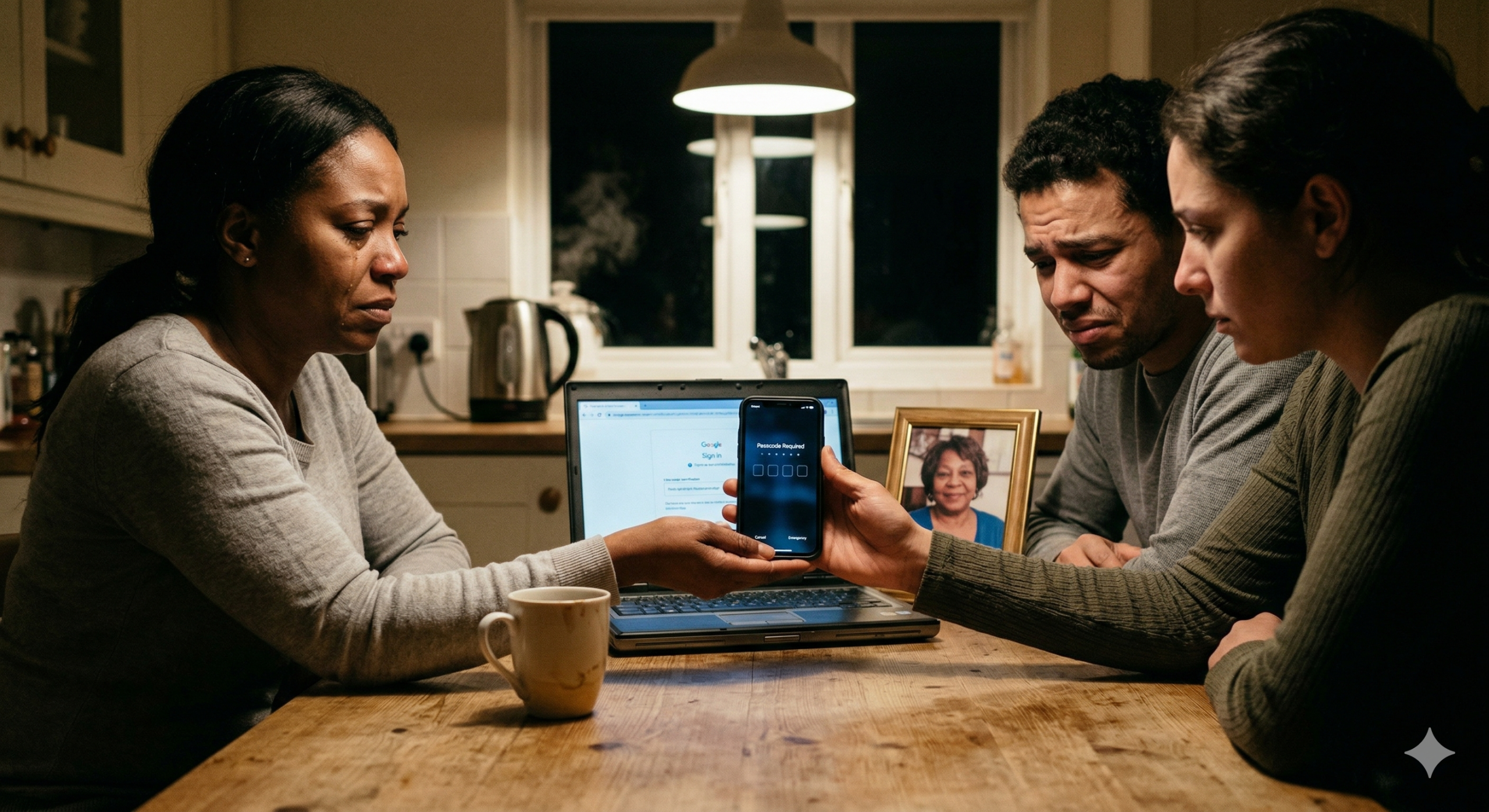
It is a Tuesday night at the kitchen table. Three siblings passing a phone around, searching for a photo of Mom that feels like her. The screen asks for a passcode none of them knows. Someone says, “Try her birthday.” Someone else holds their breath. On the old laptop there is a Google account she never signed out of, but the two-step verification code goes to her dead phone. The room is full of memories no one can reach. The kettle boils. The house feels too quiet.
One simple setting, set up years earlier, would have changed everything.
Most of us carefully plan for our physical estate, the house, the car, the savings account. But in 2026, the average American household holds thousands of dollars, sometimes hundreds of thousands in digital assets that traditional estate documents were never designed to handle. And it isn’t just money. It is a lifetime of photographs, decades of emails, cherished memories locked behind passwords that disappear the moment we do.
What Exactly Is a “Digital Asset”?
More than most people realize. Digital assets include financial accounts, cloud storage, personal media, and digital currency. They also encompass social media profiles, online subscriptions, and digital loyalty programs, all of which carry personal, sentimental, or financial value.
Think about everything on your phone right now. Your Google Photos library, your Apple iCloud, your Facebook memories, your bank app, your airline miles. According to recent data, the average American has more than 100 online accounts requiring a password. When someone passes away, those accounts do not simply disappear, they remain active, often completely inaccessible to anyone else.
Without a plan, your family faces a frustrating and sometimes impossible maze. Terms of Service agreements on most platforms prohibit anyone else from accessing an account, even after death. Federal privacy laws such as the Stored Communications Act can prevent unauthorized access to online accounts, even by family members. Even a legally appointed executor can be turned away empty-handed.
The Good News: The Big Tech Companies Have a Fix
Here is something most people do not know: Facebook, Google, and Apple all have built-in tools specifically designed to handle this problem. They take about five minutes to set up, cost nothing, and could save your family enormous heartache. The bad news is almost nobody uses them.
Facebook Legacy Contact
Facebook’s Legacy Contact can manage tributes and, if you allow it, download the photos and videos you shared. To set it up, go to Settings & Privacy → Settings → Memorialization Settings, choose a Legacy Contact, and tick the option to let them download a copy of what you have shared. You can also choose to have your account deleted entirely when you die, if you prefer.
Google Inactive Account Manager
Google’s Inactive Account Manager lets you choose a deadline for when the company should consider your account inactive, for example, after three months or twelve months. When that threshold is reached, Google notifies the contacts you designated and gives them access to whichever data you selected, such as Google Photos or Google Drive. To set it up, go to myaccount.google.com → Data & Privacy → Make a plan for your digital legacy.
Apple Digital Legacy
Apple offers a Legacy Contact feature that allows a nominated contact access to your Apple account, including iCloud photos, messages, notes, and files after you have died. Your legacy contact will need both a death certificate and an access key that Apple generates when you set them up, so be sure to share that key with them in advance. On your iPhone, go to Settings → Your Name → Sign-In & Security → Legacy Contact.
Three More Steps to Protect Your Digital Estate
Beyond the big platforms, there are a few broader steps everyone should take:
- Create a digital inventory. List every online account and service you use, organized by email, banking, social media, subscriptions, and cloud storage. Include notes on what is stored there and what should happen to it after your death. You do not need to write down every password, but your family needs to know what accounts exist.
- Use a password manager with emergency access. Many password managers, like Bitwarden and 1Password, allow you to designate an emergency contact who can request access to your vault. You set a waiting period, typically seven days and if you do not deny the request within that window, the vault unlocks for them automatically.
- Update your legal documents. Most states have adopted the Revised Uniform Fiduciary Access to Digital Assets Act, which gives executors the legal authority to manage a deceased person’s digital assets, but having this legal authority does not mean automatic access. Your will should explicitly authorize your executor to manage your digital life, or their hands may be tied.
The digital world holds the photographs, the love letters, the home videos, and yes, the bank accounts that your family will need after you are gone. Taking thirty minutes today to set up a digital legacy plan is one of the kindest things you can do for the people who will miss you most.
Stay safe out there, and I’ll see you next week!

Feeling lost in the digital world? Dr. Tom is here to help!
Join Dr. Tom every week in his column, Dr. Tom’s Cyber Bits and Tips, for byte-sized advice on all things cyber and tech. Whether you’re concerned about online safety, curious about the latest cybercrime trends, or simply want to navigate the ever-evolving digital landscape, Dr. Tom has you covered.
From practical cybersecurity tips to insightful breakdowns of current threats, Dr. Tom’s column empowers you to stay informed and protect yourself online. So, dive in and get savvy with the web – with Dr. Tom as your guide!

Sign up for our Sunday Spectator. Delivered to your inbox every Sunday, with all the news from the week.