
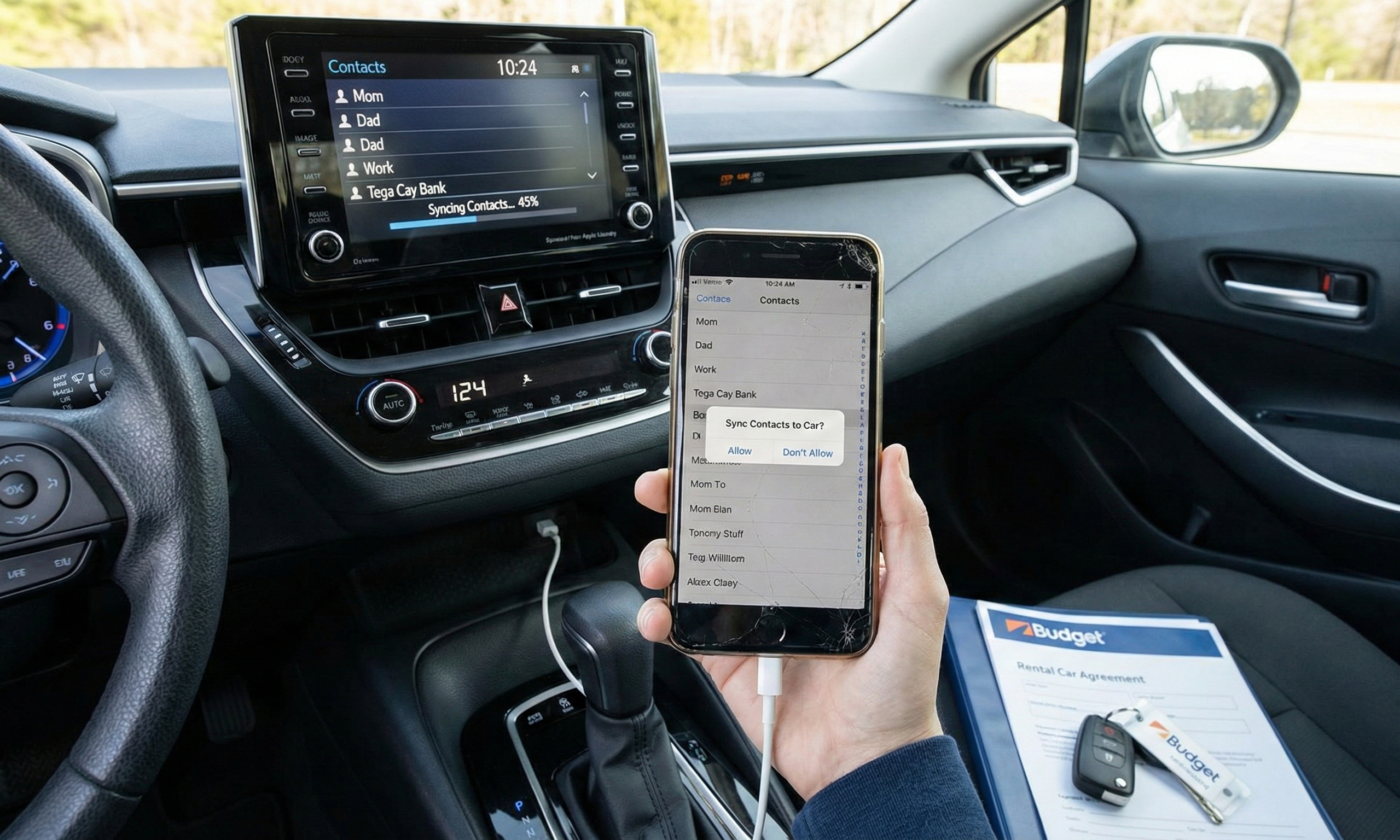
It is a familiar travel ritual: you land after a long flight, drag your bag to the rental counter, and finally hop into that Chevy or Ford. Exhausted, you pull out your charging cable and plug your phone into the USB port to wake up Waze and Spotify. Almost immediately, the screen asks to “Sync Contacts” or “Allow access to data?”
In that moment of haste, you might hit “Yes.” Congratulations—you just uploaded your digital life to a car you don’t own.
If the recent news that hackers stole the sensitive data of nearly 300,000 Avis customers didn’t grab your attention, this might: the biggest threat to your privacy in a rental car might not be a corporate hacker, but your own habits. We are moving toward a world where cars are essentially “computers on wheels”—by 2030, 95% of new cars will have embedded connectivity. The risk is so high that the White House recently flagged foreign-made software in cars as a national security threat.
But for the average traveler, the danger is personal. When you sync your phone, the car’s infotainment system acts like a “digital vault,” storing your contacts, text messages, and call logs. According to privacy experts, this data stays there until someone manually deletes it. That means the next renter—or a malicious actor—could access your information.
The risks are evolving. Your GPS history leaves “breadcrumbs” that strangers can use to map your routines or find your home address. Even scarier, security researchers warn that voice recordings left on the system could be used to create AI “deep fakes” of your voice, which scammers can use to target your family.
Here is the kicker: the rental companies aren’t going to save you. The fine print in rental agreements from major companies like Avis and Enterprise explicitly states that you are responsible for deleting your data. If you leave your digital footprint on their dashboard, they take no responsibility for who finds it.
You wouldn’t leave your wallet in the glovebox, so don’t leave your identity on the screen. Here is how to protect yourself:
-
The “Power Only” Rule: If you just need to charge, skip the built-in USB port. Those ports transfer data. Instead, bring a cheap 12V adapter (the cigarette lighter plug). It provides power but physically cannot steal your information.
-
Be Stingy with Permissions: If you must pair your phone for navigation, watch the screen closely. When it asks to download contacts or sync messages, strictly select NO. You can use maps and music without handing over your address book.
-
The “Factory Reset” Wipe: Before you return the car, don’t just disconnect. Go into the Settings menu and look for a “Factory Reset” or “Clear All Data” option. This is the only way to ensure every trace of you is gone.
-
When in Doubt, Search it Out: Can’t find the delete button? Take thirty seconds to pull out your phone and search the car’s make and model plus “factory reset” (e.g., “2025 Ford Explorer infotainment factory reset”). It is a small step that prevents a massive headache.
Treat the computer in a rental car just like a public computer at the library. Always log out, clean up, and ensure you aren’t leaving anything personal behind. Stay safe out there, and I’ll see you next week!

Feeling lost in the digital world? Dr. Tom is here to help!
Join Dr. Tom every week in his column, Dr. Tom’s Cyber Bits and Tips, for byte-sized advice on all things cyber and tech. Whether you’re concerned about online safety, curious about the latest cybercrime trends, or simply want to navigate the ever-evolving digital landscape, Dr. Tom has you covered.
From practical cybersecurity tips to insightful breakdowns of current threats, Dr. Tom’s column empowers you to stay informed and protect yourself online. So, dive in and get savvy with the web – with Dr. Tom as your guide!

Sign up for our Sunday Spectator. Delivered to your inbox every Sunday, with all the news from the week.